Selling software is easy to start and hard to run well. The first sale is a payment link and a key pasted into an email. The hundredth is a support queue full of lost keys, shared keys, customers on new PCs and refunds you can't match to anything. If you want to sell software licenses online without that queue, the parts have to be connected from the start.
This guide walks through the whole chain: choosing a license model, setting up a store and checkout, delivering keys automatically, activating them with an HWID lock and giving customers a panel where they can help themselves. It finishes with the exceptions every seller meets and how to keep each one small.
What you need to sell software licenses online
Every software license sale has the same moving parts. A buyer finds the product, pays, receives a key, activates it on their machine and, sooner or later, needs help with it. When those parts are connected, a sale at 3 a.m. completes without you. When they aren't, each gap becomes manual work.
Storefront
Products, variants and prices
Checkout
Card, crypto and bank transfer
Key generation
One key per paid order
Delivery
On screen and by email
Activation
Server check and HWID lock
Customer panel
Status, requests and downloads
Many sellers assemble this from separate tools: a store on one platform, a licensing API on another and webhooks between them. That works, but every seam is a place where an order can end up without a key, or a refund without a ban. PapelShip runs the store, checkout, key generation, delivery and qPapel Auth license validation on one platform, so a paid order and its license are the same record.
Step 1: choose a software licensing model
Your licensing model decides what a key actually grants and for how long. Decide it before you create products, because it shapes your variants, your prices and your support load.
| Model | How it works | Good for |
|---|---|---|
| Lifetime | One payment, the key never expires | Tools with low running costs |
| Time-based | Key valid for a set period, such as 7 or 30 days | Access passes without recurring billing |
| Subscription | Recurring payment, access ends when it stops | Products with ongoing updates |
| Trial | A short key that expires on its own | Letting buyers test before paying |
| Device-limited | Key works on a set number of machines | Stopping casual sharing |
Time-based and subscription keys bring recurring revenue and a clean way to end access. Lifetime keys are easier to sell. Many sellers offer both and let the price difference do the persuading. Whatever you choose, every key in qPapel Auth carries a live status (active, trial, expired or banned), so you can see where each customer stands at a glance. For recurring models in more depth, read subscription licensing for software.
Step 2: set up your store, products and checkout
Create one product for each thing you sell and one variant for each duration or tier, such as "Pro, 30 days", "Pro, lifetime" and "Team, 3 devices". Attach any files that belong with the purchase, such as an installer or a loader. Product names matter more than they seem: they appear on the checkout, the invoice, the email and your reports.
Next, decide where buyers will pay. There are three common routes, and they can run side by side:
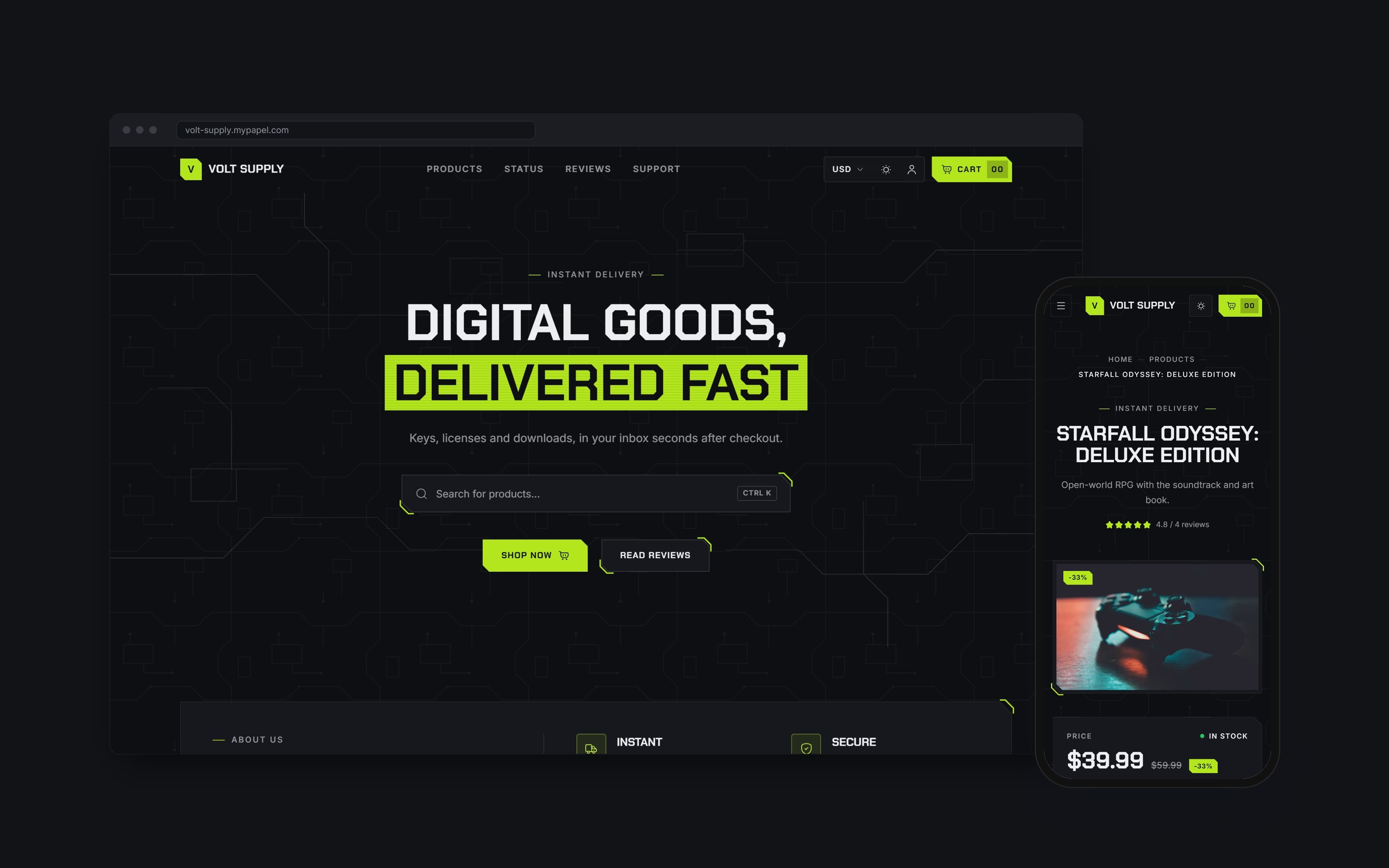
- A storefront on your own domain, with a theme built for software. Circuit suits technology brands selling software and licenses; ShipFlow looks like a SaaS company's website.
- A checkout widget on your existing site, so buyers pay without leaving your product page. See how to add a checkout widget to your website.
- Payment links shared in Discord, Telegram or email for one-off deals and custom quotes.
Software buyers are global, so offer more than one way to pay. Cards go through a gateway such as Stripe, PayTR or iyzico. Crypto, including BTC, ETH, LTC, SOL, USDT and USDC, is paid straight to your own wallet, which matters to buyers whose cards don't work for cross-border purchases. Custom methods such as bank transfer cover the rest. Card and crypto payments in one checkout explains how to present them together.
Step 3: deliver license keys automatically
Manual delivery is the first thing to break as you grow. Copying keys into emails is slow, it stops when you sleep, and it is behind most "I paid and got nothing" tickets. The rule is simple: the moment a payment confirms, the buyer should see their key.
With PapelShip, a paid order generates its qPapel Auth license and shows it on the order page and by email, together with any attached files. Card orders are delivered as soon as the payment is approved; crypto orders once the blockchain confirms the transaction. Each delivery is linked to its payment record, so any key can be traced back to the order that created it.
If you sell keys you hold in stock rather than generate, for example keys bought from a publisher, the Stock page shows stock per product and variant, days of cover and a needs-attention filter. If a variant does run out, orders wait, and keys you add later are delivered to them automatically.
Keys can also follow your own format. Custom keymask profiles let you set a fixed prefix and switch between saved formats, so you and your support staff can tell which product a key belongs to just by looking at it.
Step 4: activate and validate licenses with HWID locking
Delivery is only half the job. Your software has to check the key every time it starts, and that check has to be trustworthy. A license check that lives entirely in the client can be patched out in minutes; one that is decided on a server, and releases something the app needs, cannot.
01Key + hardware fingerprint
Over an encrypted, signed session
02Binds key to this device
On first use, stored server-side
03Session and server-side data
Strings, files and remote settings
04Same key on another PC
05Refused and logged
Visible on the Computers page
Four properties make the check hold up:
- Validate on the server. The decision "is this key valid?" belongs on a server, not in a local file or registry entry.
- Bind to the device. Recording a hardware ID on first activation stops one purchase from becoming fifty installs. What is HWID locking covers fingerprints and resets in detail.
- Protect the channel. Requests and responses are encrypted and signed, so a fake server can't answer "valid".
- Keep secrets off the client. Configuration, strings and files your app needs are released only after a successful check, so a patched client has nothing useful to run.
qPapel Auth provides these checks for C++ and C# applications through native SDKs, with session keys that refresh every session, HWID binding with per-user reset cooldowns, server-side strings and files, and Remote Settings to change protection without shipping a new build.
Step 5: give customers a self-service license panel
Most license support tickets ask the same few questions. Is my key still active? When does it expire? Which machine is it locked to? Where do I download the latest build? A customer panel answers all of them without you.
In PapelShip, customers enter their license key to see its status, subscription duration, activation date, remaining time and HWID lock information. From the same panel they can send requests, such as a hardware reset after buying a new PC, and get download links for your files. You can limit a panel to specific products, give it its own shareable link, set its SEO title and favicon, and embed it in your website or customer dashboard.
Store customers also have a customer portal with their orders, subscriptions, reviews and support tickets, and paid downloads are only available to buyers. The more customers can do themselves, the fewer tickets reach you. We go deeper in a customer portal for software licenses.
How to handle resets, leaks, refunds and resellers
Automation covers the normal path. These are the exceptions every software seller meets, and the response that keeps each one small.
| Situation | What to do | How it works in PapelShip |
|---|---|---|
| Customer has a new PC | Approve an HWID reset | Self-service request with a per-user cooldown |
| Key shared or leaked | Ban the key | A banned key stops at its next check |
| A build appears online | Trace it to a license | Binary Trace tracks leaked builds |
| Refund | Refund, then expire or ban the key | Money and access stay in sync |
| Partners want to sell | Give them a reseller panel | Keys generated within quotas you set |
Resellers deserve a plan of their own. Rather than sending a partner a spreadsheet of keys, give them a panel where they generate keys within limits, at prices you set. Running a reseller program for your software covers the models and the debt system.
Finally, watch a few numbers every week. They tell you where the chain is weakest:
- Conversion by payment method, which shows whether a method is worth promoting.
- Time to delivery, which should be seconds. Anything longer generates tickets.
- HWID mismatches per key. A sudden spike usually means a key is being shared.
- Reset requests. A steady trickle is normal; a flood points to a problem with your fingerprint or a recent system update.
常见问题
Set it up once, then let every sale run itself
A license business runs on connections: payment to key, key to device, device to a server that decides. Set up the license model, the store, automatic delivery, HWID activation and a customer panel once, and every sale after that takes care of itself.
Start with one product and one or two variants, place a test order with every payment method, and activate the key on a second machine to see the refusal for yourself. Then spend your time on the software instead of the inbox.
PapelShip 电商团队
店铺与在线销售