PapelShip
Get startedSign in

Changelog

What's new at PapelShip

Every release across Commerce, the store builder, qPapel Auth and qPAnalyzer, newest first. 20 releases since October 2025.

2026

  • Store builder
  • Commerce
  • qPapel Auth
  • qPAnalyzer

Changelog 7.5

Our biggest PapelShip update so far. The store builder has been rebuilt from the ground up, stores can now speak every language, and checkout, products, delivery and customer management have all been reworked. qPapel Auth also gets an AI Copilot and a more precise qPAnalyzer.

New Store Builder

  • Visual editing on the live page. Click any section, text, card or button on your store to select it. Double-click text to edit it in place.
  • Layers panel. Every section is shown together with the elements inside it: headings, texts, buttons and cards.
  • Everything is editable. Stat cards, pricing plans, FAQ questions, reviews, badges, features, comparison rows and videos can be added, duplicated, reordered, hidden or removed one by one.
  • Style any block. Typography, colors, spacing, corner radius and visibility per block, including separate mobile and desktop visibility.
  • Pages and SEO. A page switcher with page settings: title, URL, meta description and social image for every page.
  • Version history. Automatic and named snapshots, one-click restore and shareable preview links.
  • Setup checklist. A guided list that shows what is left before your store is ready.
  • Customer login and customer panel can now be customized from the builder in every theme.
  • Media from Files. Every image and video in the builder is picked from your store's Files library, with folders, search and uploads.
  • Redesigned stat cards. Stat cards now fit both light and dark themes, with Cards, Minimal and Bar styles. Sold, rating, review and product counts come from your real store data.

Store Localization

  • Add as many languages as you need, each with its own region and fallback language.
  • One translation table for your whole store: sections, products, categories, pages, announcements and SEO.
  • AI Translate translates your store in one click, shows its progress step by step, and uses your AI credits.
  • Review and edit every translation by hand. New content can be translated automatically when you publish.
  • Visitors see your store in their language automatically, based on their browser and country, and can switch it from the language menu.
  • Search engines receive the correct language versions of every page.

Products, Delivery & Stock

  • A new full-width product editor with tabs, a sticky header, unsaved-changes protection and a Cmd/Ctrl+S shortcut.
  • A more reliable delivery engine. Keys added later are delivered automatically to orders that are still waiting.
  • A new Stock page with stock per product and variant, days of cover, a needs-attention filter and key management per variant.
  • Product security rules: VPN/proxy blocking and per-customer purchase limits.
  • A redesigned products list with stats, tabs, search, filters and stock summaries.

Checkout & Invoices

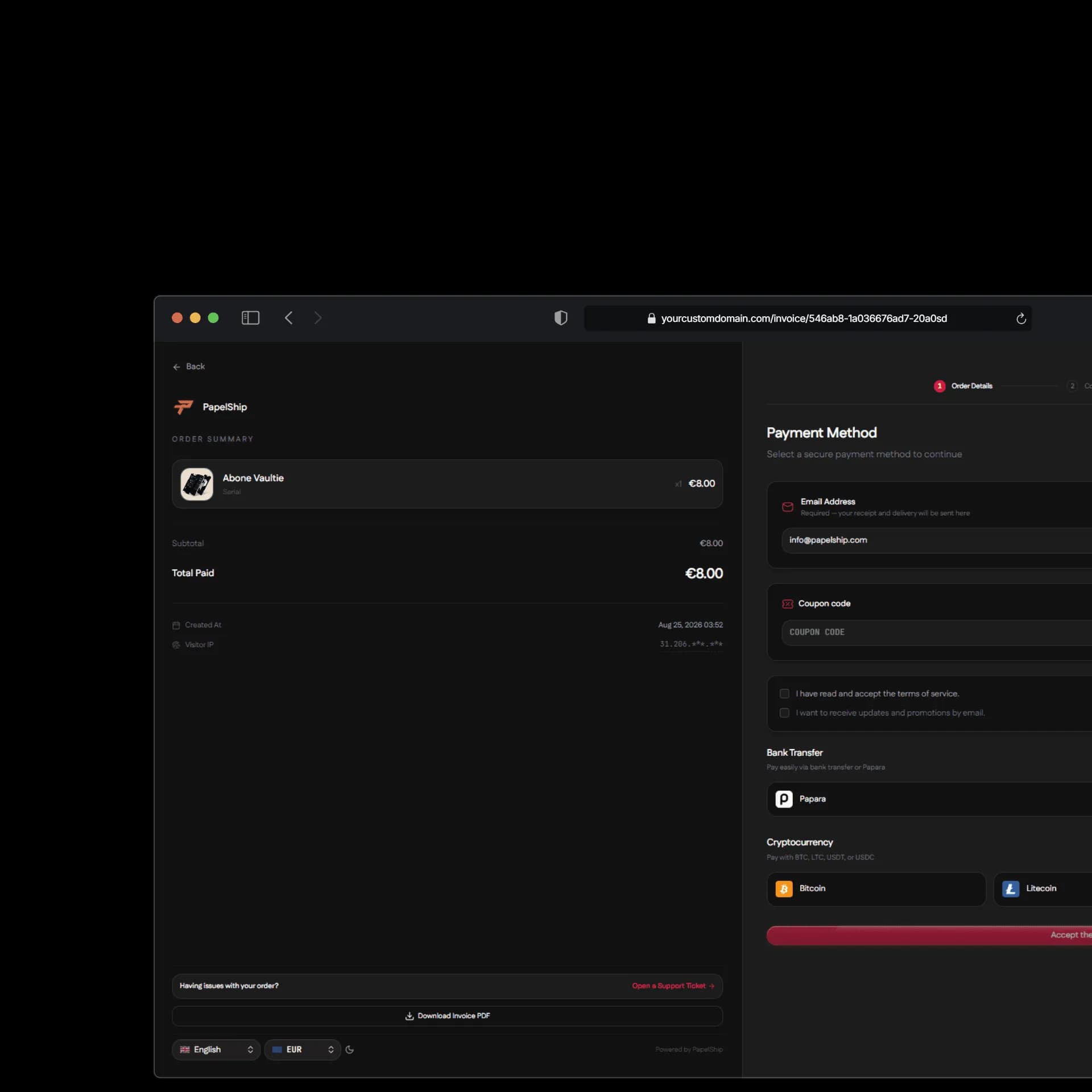
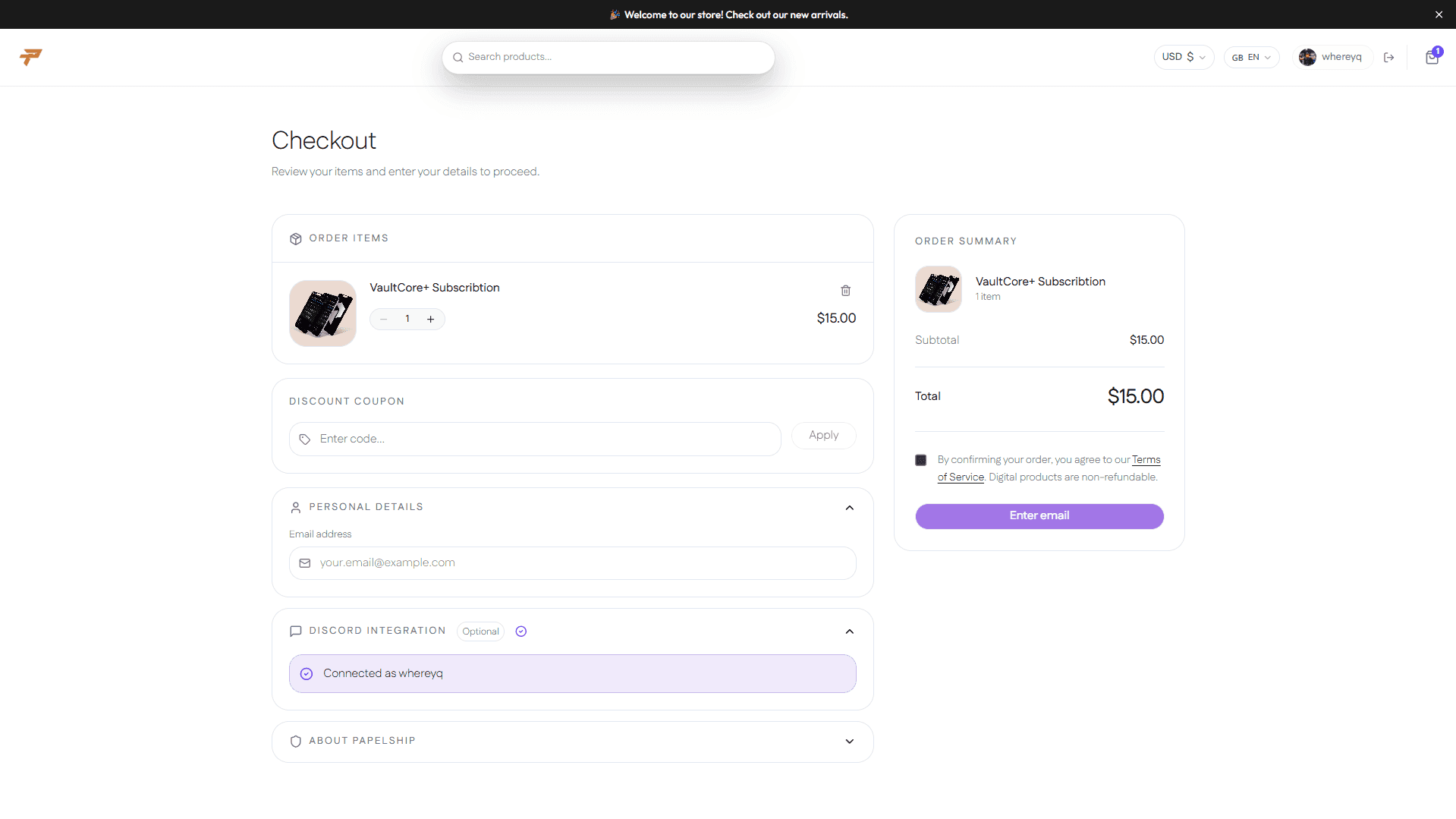
  • A redesigned checkout with a cleaner summary, a raised payment panel and a language picker.
  • A new crypto payment card with QR code, copy actions and live payment status.
  • An extended invoice builder: section order, expiry timer, social links, fonts, logo style and payment method visibility.
  • Payment method fees can now be set per store, product or variant.
  • Invoice emails, PDFs and invoice pages use your store's custom domain.
  • A live crypto tracker on the invoice detail page: address, confirmations and transaction.

Customers & Community

  • A new Customers page that lists every buyer, with spend, orders, linked Discord accounts, search and sorting.
  • Guided Discord community setup, a detailed linked-account card and Discord roles per product variant.
  • Support tickets with order summaries, the option to reopen tickets and cleaner store-branded emails.

Files

  • A full-screen file manager with a folder tree, list and details, sortable columns and image previews.
  • Right-click menus, keyboard shortcuts, moving files and a floating upload progress indicator.
  • Paid downloads are now only available to buyers.

qPapel Auth

  • AI Copilot for your store and dashboard. Ask questions, get guidance and let the Copilot make changes with your approval. It is powered by monthly AI credits.
  • qPAnalyzer Whitelist. A whitelist per product, with custom instructions for the analyzer.
  • Threat Vault with per-product filtering, plus a one-click "Not a threat" action to remove false positives.
  • qPAnalyzer usage is now billed at its real cost per scan and always includes window screenshot analysis.
  • An improved Computers page with a Recently Banned panel, accurate ban ages and a cleaner suspicious-activity view.

Plans & Platform

  • Plan limits are now applied consistently across products, custom domains, file uploads and qPapel features.
  • Improved security: private store settings are never sent to the browser.
  • Many performance, stability and design improvements across the dashboard.

  • qPapel Auth
  • qPAnalyzer
  • Platform

Changelog 7.0

This update brings refreshed libraries, stronger analysis capabilities, dashboard quality-of-life improvements, and a more stable development experience across the qPapel ecosystem.

qPapel Default Library

  • Updated the Default Library with the latest improvements.
  • Resolved issues that could cause screenshots to fail to save correctly or appear to be saved incorrectly.
  • Improved the organization of the Computers page and fixed related bugs.

qPapel EasyAuth Library

  • Updated the qPapel EasyAuth Library.
  • Added C# support.
  • Improved stability and overall reliability across the library.

qPAnalyzer

The qPAnalyzer engine has been improved across both release lines, providing broader coverage and stronger detection capabilities for reverse-engineering tools.

  • Expanded analysis coverage across a wider range of scenarios.
  • Improved detection strength across reverse-engineering workflows.
  • Reduced false positives for more reliable analysis results.

Web Dashboard

  • Added quality-of-life improvements, including invoice editing.
  • Introduced several additional internal refinements across the dashboard.
  • qPapel Auth
  • qPAnalyzer
  • Commerce

Changelog V6.5

We have released a new update across qPapel Auth and PapelShip.

qPapel Auth

  • Custom Keymask Profiles
    • Create and save custom keymask profiles.
    • Set a fixed prefix and reuse it when generating keys.
    • Quickly switch between saved profiles without configuring the keymask every time.
  • Customer Panels
    • Improved the Customer Panels system.
    • Added SEO Title customization.
    • Added Favicon customization.
  • Game Offsets Library
    • Added the new Game Offsets Library.
    • Currently supports 8 games.
    • More games will be added in future updates.
  • EasyAuth
    • Updated the EasyAuth library.
    • Improved error handling and security policy diagnostics.
    • Added "Security Policy Closing.." when the application is closed due to a security policy violation.
    • Added additional information to help identify the cause of the closure.
    • Developed an internal diagnostic tool for easier troubleshooting.
  • qPAnalyzer
    • Further trained and improved qPAnalyzer.
    • Improved analysis accuracy and decision-making.

PapelShip E-Commerce

  • XenForo Integration
  • WordPress Integration
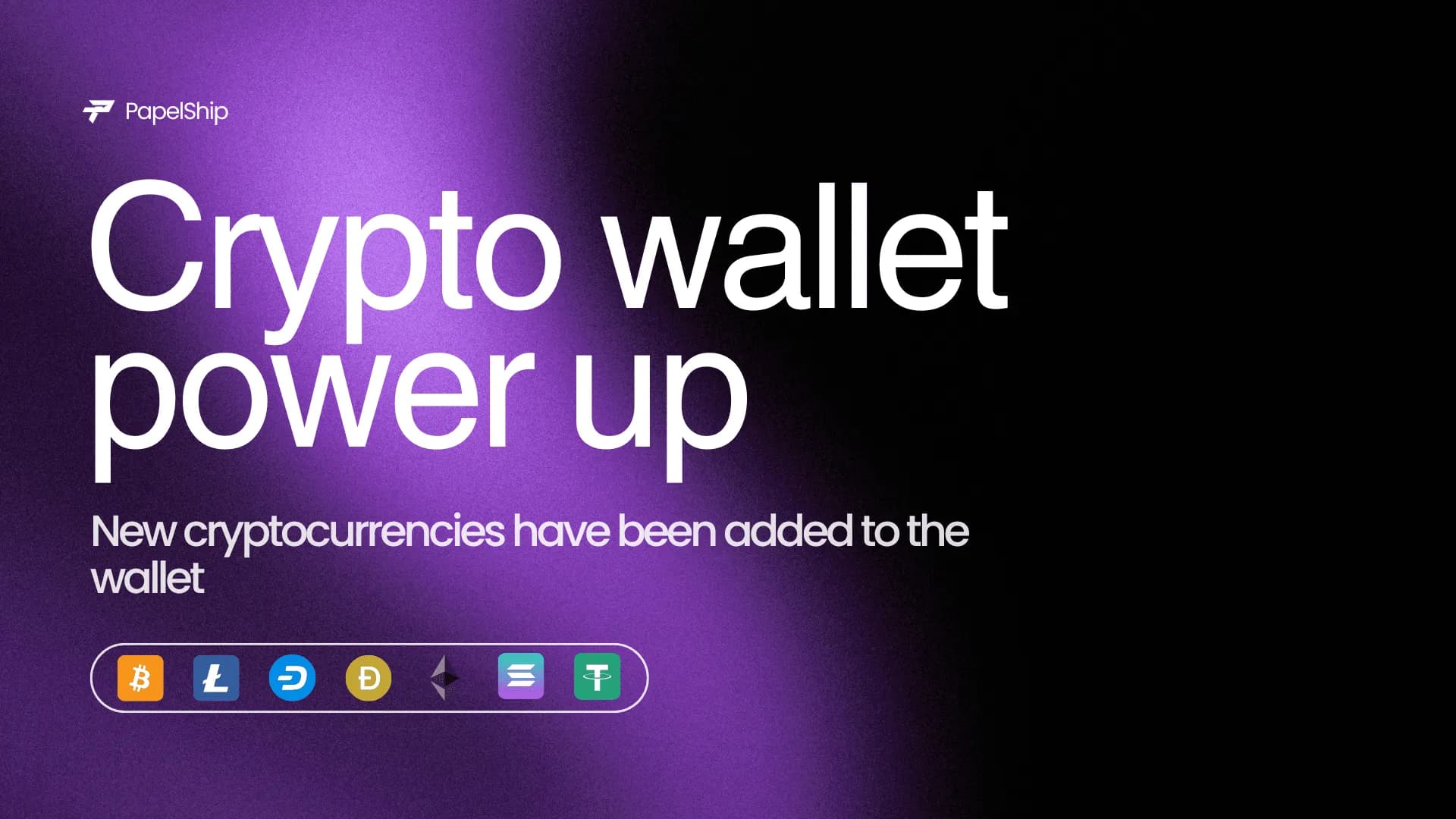
  • New Cryptocurrency Support
    • Added support for:
      • DASH
      • BCH
      • BNB
      • TRC
      • SOL
  • Ethereum & USDT Fees
    • Removed the cryptocurrency commission for Ethereum and USDT.
  • Commerce
  • qPapel Auth
  • qPAnalyzer

Important Updates to PapelShip E-Commerce

  • Shopier payment method support has been added
  • The bank account transfer system has been further optimized
  • Instant IBAN transfers have been added to the bank account payment method
  • Instant bank account transfers can now be automatically detected and approved
  • These updates have also been added to the API-Based system

Important Updates to qPapel Auth

  • The Computers page has been made more detailed and informative
  • The qPAnalyzer page has been made more detailed and informative
  • Quick controls and navigation options have been added to the Keys page
  • A new page has been added where screenshots of suspicious activities can be viewed
  • qPapel Auth

EasyAuth Library v1.0 is now available

You can download EasyAuth v1.0 from the Downloads page and access the documentation to learn more about all available features.

We have a long road ahead. Just like Default Library, we will continue developing EasyAuth as a core infrastructure. Our upcoming goals include adding support for C# and Rust.

We are also considering adding a kernel-based protection system in the future, integrated directly into EasyAuth.

EasyAuth is still a new infrastructure, so there is no need to migrate your projects immediately. We recommend waiting at least 7 days while we test for bugs, collect your feedback, and fix issues.

Default Library is still very strong and you can continue using it. However, over the next 1–3 months, we recommend gradually moving your projects to the EasyAuth library as it matures.

  • qPAnalyzer
  • qPapel Auth

qPAnalyzer AI

qPAnalyzer — New Protection System

qPAnalyzer is now available with qPapel Auth v5.5.

The new system introduces a dedicated analysis layer designed to improve the detection and analysis of suspicious activity within protected applications.

With qPAnalyzer, security analysis can be integrated directly into your existing qPapel Auth protection flow, providing additional visibility into security scan results and detected activity.

What's New

  • qPAnalyzer integration into the qPapel Auth library
  • Advanced security analysis for protected applications
  • Security scan results available through the Computers dashboard
  • Improved visibility into suspicious activity
  • Designed to work alongside the existing qPapel Auth protection systems
  • Built as part of the foundation for future protection features

The qPAnalyzer workflow and usage are demonstrated in the accompanying video.

Requirements

qPAnalyzer is available with qPapel Auth v5.5.

Make sure you are using the latest versions of:

  • Lib
  • Include
  • qPapelAuth64.dll

The latest library files are available through the official Example project, while qPapelAuth64.dll is available from the PapelShip Dashboard Downloads page.

qPAnalyzer is one of the main additions introduced with v5.5 and marks the beginning of the next generation of qPapel Auth protection systems.

  • qPapel Auth
  • qPAnalyzer

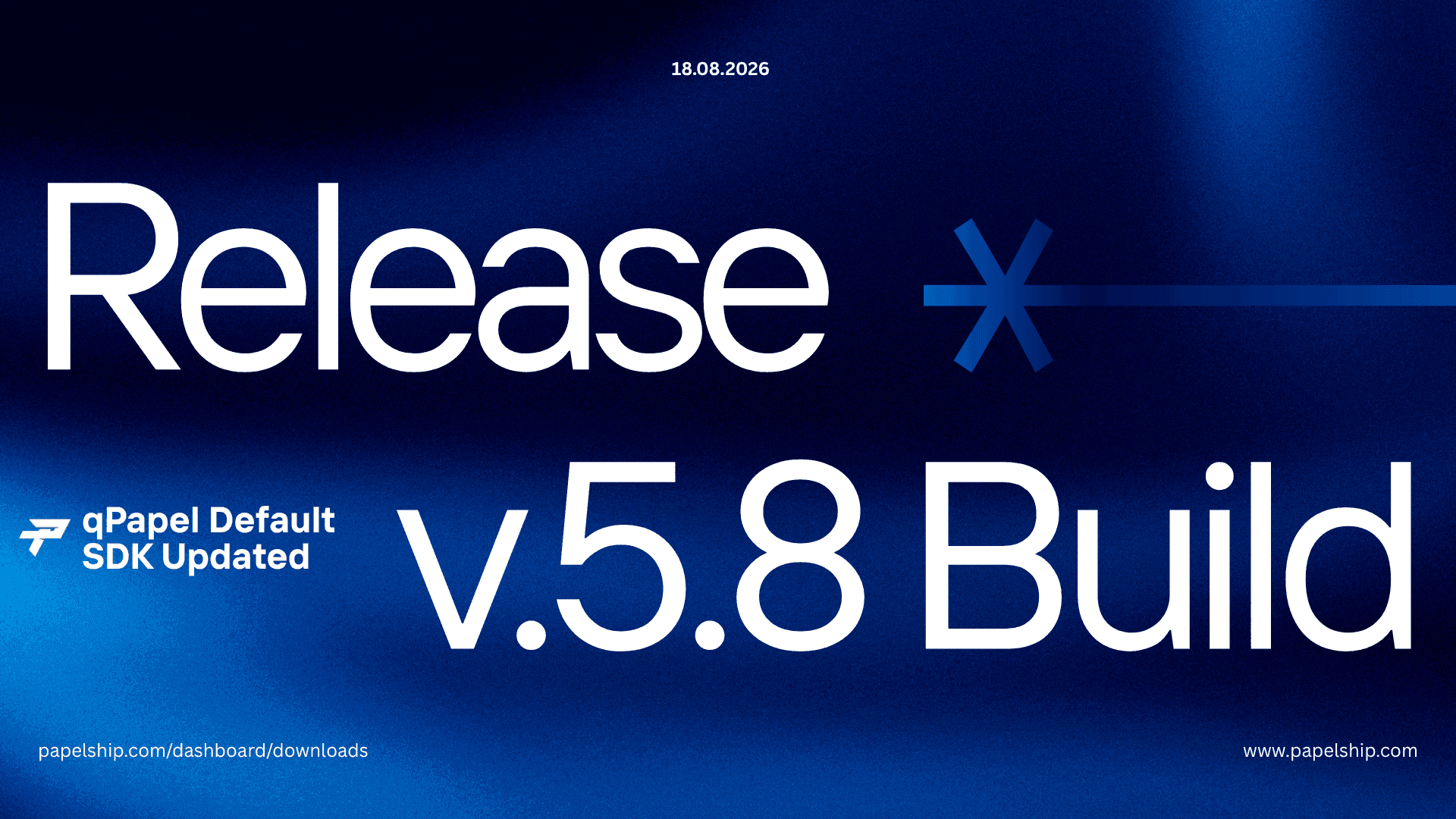
qPapel Default SDK v5.8 Released!

  • Error codes have been made more descriptive (Banned Computer, Unverified Build, Key Exchange, Handshake Error)
  • The qPAnalyzer has been updated for improved stability and a reduced risk of false positives
  • Chronic issues have been resolved
  • This update has been designed with long-term stability in mind
  • The Server-side Download File limit has been increased to 150 MB

EasyAuth is continuously being improved, and we plan to launch it in the next announcement!

papelship.com/dashboard/downloads

  • Commerce

Crypto Payments

Create your crypto wallet with PapelShip and accept payments in cryptocurrency for free.

  • qPapel Auth

Libraries & SDK v5.1

Libraries & SDK v5.1 Release Notes

This version addresses issues reported in the previous release and introduces a new integrity verification feature.

Fixes

  • Resolved issues related to server-side strings
  • Fixed problems affecting server-side file handling

New Feature

The auth.CheckMemoryIntegrity() function has been added.

This function checks whether the program’s memory integrity has been modified at runtime. It is designed to detect unauthorized changes such as instruction patching, including JMP/NOP modifications, or similar alterations to the executable code.

This release focuses on improving stability and adding stronger runtime integrity verification.

  • Store builder

Ship Storefront Template

The new “Ship” store template has been released

Get a clean store interface with Ship.

  • qPapel Auth

Customer Area

PapelShip Customer Area

You can create a dedicated customer verification portal for your products using the PapelShip Customer Area system.

Once configured, it provides the following benefits:

  • Allows customers to verify their license status instantly using their license key.
  • Displays subscription duration, activation date, remaining time, and HWID lock information in a secure environment.
  • Reduces support requests by giving customers direct access to their license details.
  • Supports product filtering, allowing you to create dedicated portals for specific products.
  • Generates a unique shareable link that can be customized and embedded into your website or customer dashboard.

Details

Customers simply enter their license key to view activation metadata, HWID status, subscription information, and other verification parameters based on your configuration.

  • Store builder

BIOPlus Storefront Template

Released BIO+ Storefront Template

Say hello to BIOPlus.

BIOPlus Storefront Template lets you create a personal website with your links while also enabling donations or selling your products.

What does BIOPlus offer?

  • Personal link page
  • Donations / product sales
  • Centralized management
  • Customizable design

How to use it

  1. Log in to your PapelShip account
  2. Go to “Store Layout”
  3. Under “Store Design”, open the “Templates” page
  4. Select the BIOPlus template
  5. Click on “Visual Editor”
  6. Customize it to your preference

Demo: bioplus-storefront.papelship.com

  • Commerce

Custom Payment Method System

We have developed an advanced system that allows you to create custom payment methods for your store.

Features

  • Bank Transfer: Accept payments using bank account details
  • Gift Cards: Accept payments with gift cards from different brands
  • Custom Method: Define your own payment processes

Geographic Restrictions

Offer payment methods for specific countries.

Enable the “Global” option to make them available worldwide.

Automatic country detection based on IP.

Currency Support

Accept payments in multiple currencies.

Automatic exchange rate conversion.

Store currency used as default.

Additional Options

  • Payment proof requirement
  • Customer input fields
  • Reference number generation (automatic or static)
  • Custom instructions and notes

Invoice Security & Fraud Detection

We have added network and fraud analysis to invoices to improve transaction security and transparency. This system evaluates the customer’s connection and provides risk insights based on global fraud signals.

Security Overview

  • Risk Level: Indicates overall transaction risk assessment
  • Fraud Signals: Based on aggregated global data

Security Checks

  • Proxy Detection
  • VPN Usage
  • TOR Network Check
  • Hosting/Datacenter Detection
  • Mobile Network Identification
  • Anonymity Status
  • Abuse Risk Evaluation
  • iCloud Relay Status

Each check is marked clearly (for example, clean, detected, or flagged) for quick review.

Network Details

  • Internet Service Provider (ISP)
  • ASN (Autonomous System Number)
  • Host Information
  • Proxy Type (if applicable)
  • Region and Postal Code
  • Timezone

This information helps identify suspicious activity and supports manual or automated verification processes.

Update 3

The Key List table has been redesigned with more detail and an improved layout in the invoice view.

  • Store builder
  • Commerce

Minimal Storefront

Minimal Storefront update coming in 2 days.

The Minimal Template has been redesigned and expanded. It is moving away from a single fixed structure to a more flexible system that supports multiple product models.

New product types

  • Single Product: one item with a standard checkout flow
  • Variants Product: multiple options with separate pricing and delivery settings
  • Donation: pay-what-you-want model

Extended delivery system

  • File Download
  • License Key
  • Subscription (recurring payments)

Subscription support now includes daily, weekly, monthly, and yearly billing cycles. It also supports configurable initial price, recurring price, trial period, and auto-renew settings.

Minimal is now built on a more modular and extensible product architecture.

  • qPapel Auth

C++ Libraries & SDK

C++ Libraries & SDK Updated

  • The auth.CheckTextIntegrity() function has been added. Using this function, you can perform CRC checks, session-based checks, and JMP % NOPE checks.
  • The new ‘Session Token Enforcement’ feature allows you to remotely set maximum active session durations, lock sessions on IP addresses, and enhance security. To use this feature, simply configure it via the website under Remote Settings → Blacklists → Session Token.
  • If you are using the old library, it will not work because the security and server-side encryption layers have been changed. Please compile with the new library! In future updates, we will keep the old.lib file server open for 7 days so you can continue to use the old.lib file.
  • qPapel Auth

qPapel Remote Settings & Discord Bot

qPapel Remote Settings Updated

New options have been added to Remote Settings, allowing you to remotely modify almost all detection logic, control behavior, and system flow of your application.

Development is ongoing. With the advanced score-based blocking engine, false positives are significantly reduced, while interval-based checks and all control mechanisms can be fully customized.

qPapel Discord Bot Integration

You can now manage the qPapel Auth System directly through a Discord bot.

With a fully customizable and permission-based structure, the system continues to evolve into a more flexible and powerful solution.

Major updates for the Discord bot are coming soon.

The Discord bot integration is available to use right now.

  • qPapel Auth
  • Commerce

Advanced Reseller Panel

qPapel Advanced Reseller System (PapelShip Integration)

You can create reseller accounts in two models: Subscription or Pay-per-Key.

With the latest update, you can automatically assign debt to resellers and collect payments directly through your PapelShip E-Commerce account.

In short, you don’t just grant access — you can receive payments even when you are offline.

2025

  • Commerce
  • Platform

Version 3.1

The Web-API has now been released with the v3.1 update.

Create your API Key

Do not share your API Key with third parties.

After the creation process, the page will refresh and you will not be able to see your API Key again, so remember to save it.

Email Design Customization

Did we mention that you can customize your store’s email templates however you like?

Embedded Checkout is now live

You no longer need to redirect customers to our platform to make a sale. With our new widget, you can embed the entire payment flow directly into your own website. It integrates with just one line of code and keeps the customers on your site design.

  • Commerce
  • Store builder

Version 2.7

v.2.7 Update – Coming Very Soon

If you are registered on the site, you may already notice new features or partially finished elements in the Store Customization section.

Since this is a pre-beta phase, we are running live tests.

v.2.7 – Upcoming Features for PAPELSHIP E-Commerce System

New Templates

  • Minimal Template (Upcoming)
  • Corporate Template (Upcoming)

Embed Payment Integration

Use your own website design while continuing to sell seamlessly with Papelship’s payment infrastructure.

New Website Builder

A more advanced page builder allowing you to edit every page individually with greater detail.

Referral System

Invite store owners you know who sell digital products.

If they create an account using your referral code:

  • The invited store owner receives a 20% discount.
  • Once they reach $300 in sales, you receive $20.

You can earn from every store you successfully invite.